Fizz Data Gifting Guide: Share & Trade
Everything you need to know about Fizz data gifting. Learn what data you can gift, timing rules, safety tips, and how to find data exchanges on Reddit and forums.
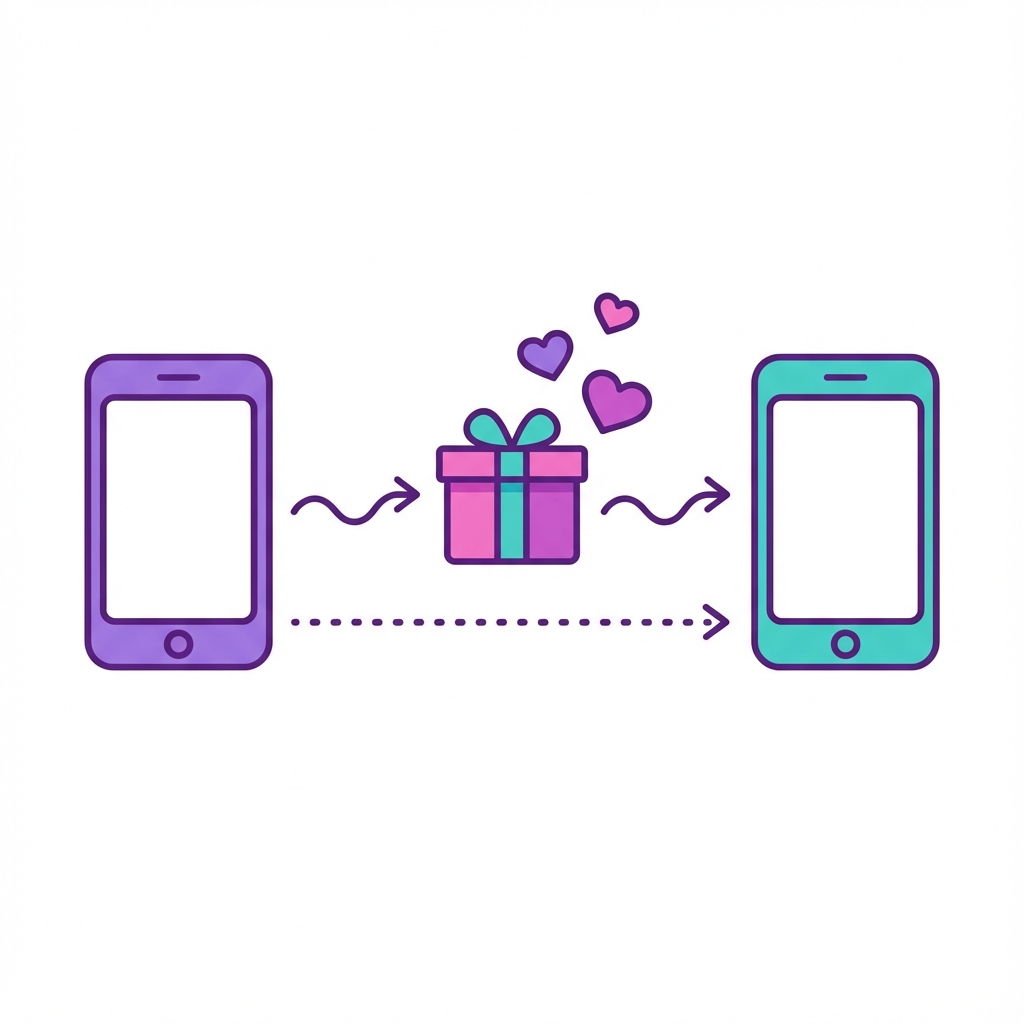
What is Fizz Data Gifting?
Okay, this is one of those features that sounds weird until you actually use it. And then you wonder why every carrier doesn’t do this.
Data gifting lets you send your unused mobile data to other Fizz users. That’s it. No fees. No tricks. Got 3GB sitting around that you won’t use this month? Send it to your brother. Or a stranger on Reddit. Doesn’t matter.
I’ve gifted data to family members who always seem to be “one video call away from $0.” Works perfectly. Here’s how it all shakes out.
How Data Gifting Works
Super simple:
- You have data you won’t use
- You send it to another Fizz user
- They get it instantly
- That data disappears from your account. Gone. Permanently.
No fees. No catches. Just pure community sharing. Honestly, it’s kind of wholesome?
Want more data? Use referral code HN9SM when you sign up to get a $40 bonus—that pays for a lot of extra data.
What You Can Gift
| Data Type | Can You Gift It? |
|---|---|
| Current cycle data | ✅ Yes |
| Rollover data | ✅ Yes (works the same) |
| Bonus data from promos | ✅ Usually yes |
| Travel add-on data | ❌ Nope |
| Unlimited plan data | ❌ Nothing to gift |
Here’s a key insight that confused me at first: Fizz doesn’t separate your base data, rollover data, or bonus data. It’s all one pool. Gift from that pool however you want.
Step-by-Step: How to Gift Data on Fizz
Method 1: Through the Fizz App/Website
- Log into your Fizz account at fizz.ca or the app
- Go to My Plan or My Services
- Look for Gift Data or the gift icon
- Enter the recipient’s phone number (must be a Fizz number)
- Choose how much data to send (in MB or GB)
- Confirm the gift
The recipient gets the data immediately. You’ll see your balance decrease.
Method 2: Requesting Data
Need data from someone else?
- Ask them directly (DM, text, forum post)
- They send you a gift
- Check your account—it should appear within minutes
There’s no “request” button in-app; it’s a manual peer-to-peer process.
The Timing Rules: When Can You Gift?
This is where people mess up. So pay attention.
End-of-Cycle Deadline
You can gift data until midnight on the last day of your billing cycle. After that? The window closes. If you try to gift data after your cycle ends, it might not go through properly.
My advice: don’t wait until 11:58 PM on deadline day. Gift a day or two early. Better safe than sorry.
Rollover Timing
- Your oldest rollover data gets consumed first (that’s FIFO—first in, first out)
- After 2 months, ungifted rollover data just… expires
- So if you’re sitting on data you won’t use? Gift it before it vanishes
Pro tip: Set a calendar reminder a few days before your billing cycle ends. Check your balance. Gift what you won’t need. Future you will appreciate it.
What Happens to Gifted Data?
When you gift data:
- It’s permanently removed from your account
- You cannot get it back
- If the recipient doesn’t use it, THEY can roll it over or re-gift it
When you receive gifted data:
- It adds to your current data pool
- It counts toward your rollover if unused
- There’s no expiration penalty—it’s treated like your own data
Can I Gift Rollover Data?
Yes! This is a common question. Rollover data is giftable just like regular data. Fizz doesn’t make you wait or impose special restrictions.
Example:
- You have a 5GB plan
- You used 2GB last month, so 3GB rolled over
- This month you have 5GB + 3GB = 8GB total
- You can gift any portion of that 8GB
The Data Exchange Community
Fizz’s gifting feature has spawned an unofficial economy of data exchanges:
Where to Find Data Exchanges
- Reddit - r/FizzMobile has regular data gift/exchange threads
- Fizz Forum - The official community forum has gifting discussions
- Facebook Groups - Some Fizz user groups facilitate trades
How Exchanges Work
Typical exchanges:
- One-way gifts: “I have 2GB I won’t use, first person to DM gets it”
- Gift swaps: “I’ll gift you 1GB now, you gift me 1GB next cycle”
- Pay-it-forward chains: Someone gifts you, you gift another stranger next month
Is It Safe?
When you gift data, you’re only sharing your Fizz phone number. That’s it. You’re NOT giving away:
- Payment info
- Your address
- Account passwords
- Anything else sensitive
But here’s the honest reality:
- Scam risk exists: Someone promises to gift back next month, then ghosts
- Asymmetry: You give 2GB hoping for 2GB in return… they disappear
How to protect yourself:
- Start small with strangers (500MB, not 5GB)
- Stick to established Reddit/forum members
- Treat one-way gifts as exactly that—a gift, not a trade
Privacy Considerations
When you gift data, the recipient sees:
- That they received data
- How much (in MB)
- Your phone number (the sender)
The recipient does NOT see your:
- Name (unless your number has caller ID associated)
- Account details
- Address or payment info
If you’re uncomfortable sharing your phone number with strangers, stick to gifting with friends and family.
Maximizing Data Gifting
If You Always Have Extra Data
- Downgrade to a smaller plan
- Gift excess to family members on Fizz
- Participate in community exchanges (pay-it-forward builds goodwill)
If You Frequently Run Out
- Ask family/friends on Fizz for gifts
- Join Reddit/forum exchange communities
- Consider upgrading your plan (check your My Rewards discounts first)
Data Gifting Within Families
Data gifting is perfect for shared family plans on Fizz:
- Parents with rollover can feed the data-hungry teenager
- Adults who barely use data can support the mobile worker
- Everyone shares one “family pool” informally
What About Unlimited Plans?
If you’re on a Fizz unlimited plan:
- You have no data balance to gift (it’s unlimited)
- You CAN receive gifts from others (though why would you need it?)
- Your high-speed data cap doesn’t reset with gifts
Unlimited plan users benefit less from data gifting but can still receive it.
FAQ: Fizz Data Gifting
Why can’t I gift data to a specific friend?
There are usually two reasons:
No Data Plan: The recipient must have mobile data in their monthly plan. You cannot gift data to a “Talk & Text” only subscriber.
Incognito Mode: If your friend has “Incognito” turned on in their privacy settings, they cannot be found in the gifting tool. Ask them to switch to “Full Fizz Experience” temporarily.
Is there a minimum or maximum data gift limit?
Yes. You must gift in blocks of 500MB. You cannot send specific custom amounts (like 100MB). There is no maximum limit—you can give away your entire current cycle balance if you want, provided it is done in 500MB chunks.
Does the recipient see my phone number when I gift?
Yes. When you gift data, the recipient will see your First Name and Phone Number. They will not see your email, address, or full account details. Keep this in mind if you are gifting to strangers on community forums.
Can I transfer data between plans on my own account?
Yes. If you manage multiple plans (e.g., yours and a child’s) under one login, you can easily move data between them. Go to the plan with extra data, click Gift, and select the other plan on your account as the recipient. It happens instantly.
Can I gift data to multiple people?
Yes! Gift as many times as you want, as long as you have data available.
Does gifting cost anything?
No. Gifting is completely free. No fees for sending or receiving.
What if I gift data by mistake?
There’s no undo. Gifted data is permanently removed from your account. Double-check before confirming.
Does gifted data count toward My Rewards?
No. Gifting data doesn’t earn you points or level-ups. Only billing, referrals, and community participation earn rewards.
Can I gift my remaining data right before canceling Fizz?
Technically yes, but check the timing. Data gifts process within your billing cycle, so if you cancel mid-cycle, there may be complications.
Save on Your Fizz Plan
New to Fizz? Use referral code HN9SM at checkout to save up to $40 on your first months. That’s money you can use for more data to gift around!
Related Articles
- Fizz My Rewards Level Up Guide - Maximize your perks and discounts
- Fizz APN Settings Not Working? - Fix mobile data and MMS issues
- Fizz vs Public Mobile Comparison - Compare budget carriers

About the Author
Sarah Rodriguez is a freelance mobile tech writer dedicated to exploring how providers like Fizz Mobile foster community. She shares insights on affordable connectivity to help bring people closer together.