Fizz Emergency Calls Only? VoLTE Fix
Fix the dreaded "Emergency Calls Only" error on Fizz Mobile. Learn about VoLTE compatibility, the 3G shutdown, and how to check if your phone works with Fizz.
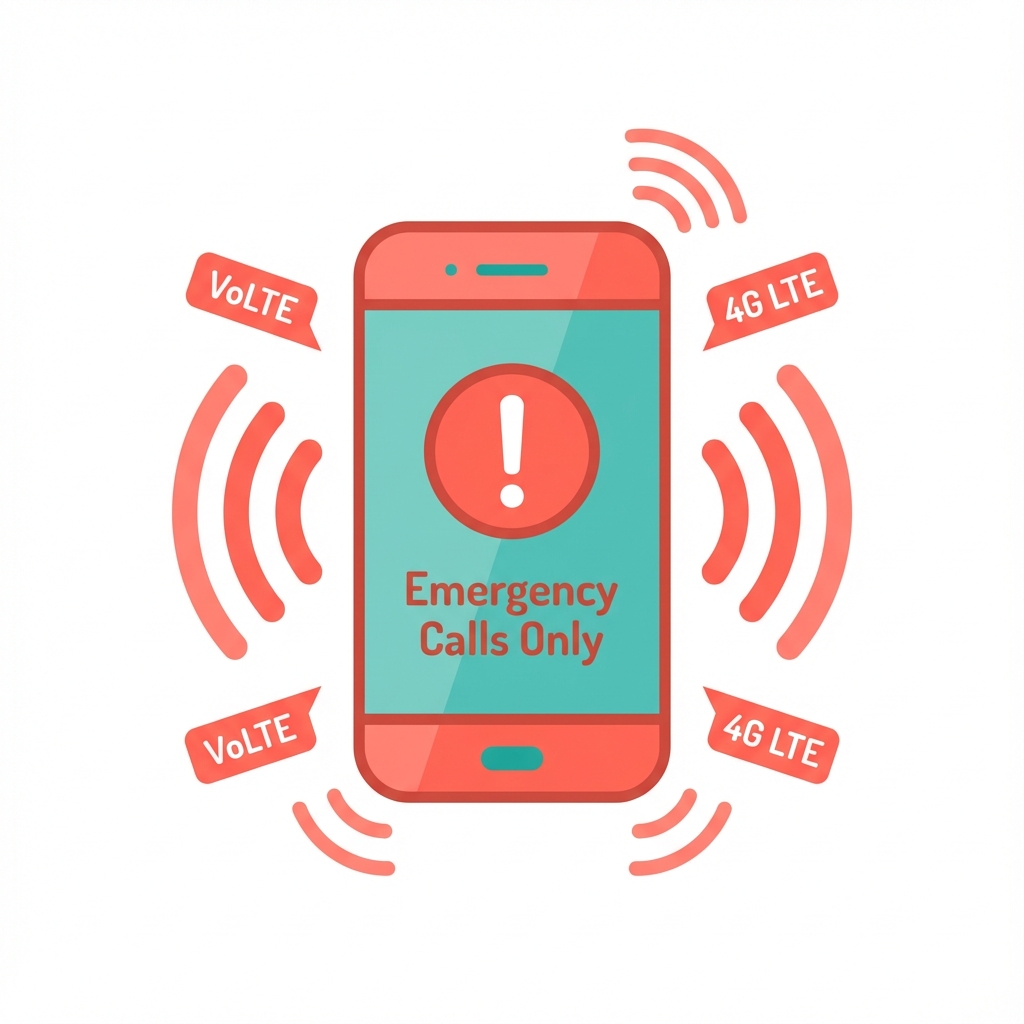
Why Does My Fizz Phone Say “Emergency Calls Only”?
Nothing’s more panic-inducing than glancing at your phone and seeing “Emergency Calls Only” where your signal bars should be.
You’ve got a Fizz SIM. You’re paying your bill. But suddenly your phone acts like you’re stranded on a mountaintop. What is going on?
Here’s the deal: this error almost always comes down to VoLTE compatibility. And with Fizz killing off 3G networks, it’s becoming more and more common. Let’s figure out what’s happening with your phone and fix it.
The 3G Shutdown: What You Need to Know
Fizz (and its parent company Vidéotron) is shutting down the 3G network on July 31, 2025. After that date, all voice calls must go through VoLTE (Voice over LTE) or 5G.
What This Means for You
- Older phones that rely on 3G for calls will stop working entirely
- Some newer phones might support 4G data but not VoLTE on Fizz’s network
- If your phone isn’t VoLTE-certified by Fizz, you’ll see “Emergency Calls Only”
The brutal truth: Even if your phone technically supports VoLTE, Fizz maintains a whitelist of approved devices. Not on the list? No calls for you—unless you buy a different phone or switch carriers. I know. It sucks.
Need a new phone? If you buy one from Fizz, use referral code HN9SM to get a $40 discount on your plan.
How to Check VoLTE Compatibility on Fizz
Before assuming the worst, run these diagnostics:
Method 1: The #8378 Test
This is the quickest way to check if your phone is working properly with Fizz’s network:
- Open your Phone app
- Dial #8378 (or #TEST)
- Listen to the automated message
What you’ll hear:
- ✅ “You are connected to the LTE-4G network” = VoLTE is working
- ❌ “You are connected to the 3G network” = Your phone will stop working after July 2025
- ❌ No connection at all = There’s a bigger issue
Method 2: Check Your Phone Settings
On Android:
- Go to Settings → Network & Internet → Mobile Network
- Look for VoLTE or Enhanced 4G LTE Mode
- Make sure it’s enabled
On iPhone:
- Go to Settings → Cellular → Cellular Data Options
- Tap Voice & Data
- Ensure LTE or 5G is selected with VoLTE enabled
Method 3: Check Fizz’s Certified Device List
Fizz maintains an official list of VoLTE-compatible phones. Before buying a phone or troubleshooting endlessly, verify your device is on the list at fizz.ca.
Common Phones and Their Fizz VoLTE Status
| Phone Model | VoLTE Status on Fizz |
|---|---|
| iPhone 8 and newer | ✅ Fully certified |
| Samsung Galaxy S20+ | ✅ Fully certified |
| Samsung Galaxy S20 FE | ⚠️ Check variant (some have issues) |
| Samsung Galaxy A54 | ✅ Fully certified |
| Samsung Galaxy A34 | ✅ Fully certified |
| Google Pixel 6/7/8 | ✅ Fully certified |
| Google Pixel 6a/7a | ✅ Fully certified |
| OnePlus 9/10/11 | ⚠️ Check specific model |
| OnePlus Nord series | ⚠️ Often problematic |
| Xiaomi devices | ❌ Often not whitelisted |
| ASUS ROG Phone | ❌ Usually not certified |
| Motorola devices | ⚠️ Some models work |
Frustrating but true: Some phones that ARE VoLTE-capable still aren’t on Fizz’s whitelist. Xiaomi and ASUS owners feel this pain the most. It’s not about your phone’s capabilities—it’s about Fizz’s approved list.
Samsung S20 FE Fizz Network Issues
The Samsung S20 FE is a special case. Most variants work, but some users with specific firmware or international models report issues:
- SM-G780F (International): May have VoLTE issues on Fizz
- SM-G780G (Snapdragon): Generally works after updates
- SM-G781B (5G): Usually certified
Fix for Samsung S20 FE:
- Update to the latest One UI firmware
- Reset network settings
- Manually enable VoLTE: Settings → Connections → Mobile Networks → VoLTE calls
- If still failing, contact Fizz to verify IMEI status
Why Xiaomi Phones Struggle with Fizz
Xiaomi VoLTE Fizz workaround is one of the most searched topics, but the reality is grim:
- Xiaomi phones are rarely on Fizz’s whitelist
- Even VoLTE-capable Xiaomi models get blocked
- Is Fizz blocking non-certified phones? Yes, intentionally
Your options with Xiaomi:
- Check if your specific model got added to the whitelist (unlikely)
- Try a factory reset and fresh SIM activation
- Accept that calls won’t work reliably and switch carriers
- Sell the phone and buy a certified device
Fixes for “Emergency Calls Only” on Fizz
Fix 1: Restart Your Phone
Yeah, I know. “Have you tried turning it off and on again?”
But seriously—a simple restart re-registers your phone with the network and clears temporary glitches. Turn it off. Wait 30 seconds. Turn it back on.
Does it work most of the time? No. Is it worth trying first? Absolutely.
Fix 2: Re-seat Your SIM Card
- Turn off your phone
- Remove the Fizz SIM card
- Wait 30 seconds
- Reinsert the SIM firmly
- Turn on your phone
- Wait 2-3 minutes for network registration
Still having trouble? Double-check your APN and MMS settings just in case data config is the culprit.
Fix 3: Reset Network Settings
This is the nuclear option—it erases saved Wi-Fi passwords and Bluetooth pairings, but it often fixes stubborn network issues.
Android:
- Settings → System → Reset options → Reset Wi-Fi, mobile & Bluetooth
iPhone:
- Settings → General → Transfer or Reset → Reset → Reset Network Settings
Fix 4: Manually Select Fizz Network
Sometimes your phone doesn’t automatically connect to the right network:
- Go to Settings → Network & Internet → Mobile Network
- Tap Network operators or Carrier
- Disable Automatic selection
- Manually select Fizz or Vidéotron from the list
- Re-enable automatic selection
Fix 5: Check Your Account Status
Log into fizz.ca and verify:
- Your payment is up to date
- Your plan is active
- Your SIM isn’t suspended
My Phone Supports VoLTE But Fizz Says It Doesn’t
This is the whitelist problem. Fizz only enables VoLTE on devices they’ve certified, even if your phone is technically capable.
Your Options
- Buy a certified phone - Fizz sells “Preloved” (refurbished) phones that are guaranteed to work
- Switch carriers - Some carriers like Freedom Mobile have less restrictive whitelists
- Use Wi-Fi Calling - If available on your device, this can bypass VoLTE requirements (but doesn’t help when you’re away from Wi-Fi)
- Wait and hope - Fizz occasionally adds devices to their whitelist, but no guarantees
The Pixel Workaround (Advanced)
Some tech-savvy users have found GitHub patches to force-enable VoLTE on Pixel phones. However:
- This requires unlocking your bootloader
- It may void your warranty
- It’s not officially supported
- Success varies by device and carrier
We don’t recommend this for most users, but if you’re technically inclined, searching “force VoLTE Pixel GitHub patch” may yield results.
Preventing Future Issues
Before Buying a Phone
Always check Fizz compatibility BEFORE purchasing:
- Visit fizz.ca and find the device compatibility checker
- Enter your phone’s IMEI (dial *#06# to find it)
- Only buy phones explicitly listed as “Fizz VoLTE certified”
If Buying from Fizz
Fizz’s Preloved phones are pre-certified and ready to go. The “Almost Perfect” and “Perfect” grades both work identically with VoLTE—you’re just paying for cosmetic condition.
FAQ: Fizz VoLTE and Emergency Calls Only
Why did my phone suddenly show “Emergency Calls Only”?
The most common causes are: SIM card dislodged, network outage in your area, unpaid bill, or your phone was removed from VoLTE whitelist after an update.
Will my phone work after the 3G shutdown?
Only if it’s VoLTE-certified by Fizz. Dial #8378 to check your current connection type.
Can I force enable VoLTE on Xiaomi, OnePlus, or ASUS phones?
Users often try codes like *#*#86583#*#* or apps like Shizuku + Pixel IMS to force the toggle to appear. However, because Fizz uses a strict IMEI whitelist, these workarounds rarely succeed for voice calls. If your device isn’t on the official list, it likely won’t register with the IMS server even if you force the toggle ON.
What’s the difference between VoLTE and regular LTE?
LTE is for data; VoLTE is for voice calls over the data network. You can have working data but no calls if VoLTE isn’t enabled.
How do I check if my SIM card is VoLTE compatible?
Look at your physical SIM card. It must have a red lightning bolt icon printed on it. If it doesn’t, it is an old 3G-only card and will stop working for calls. You can order a replacement for free in your Fizz account under My Plans > Manage Plan > Change SIM card.
Why is my Samsung S20 FE saying “Emergency Calls Only”?
This is a known issue with International models (e.g., SM-G780F). While the Canadian version (SM-G781W) is certified, international variants are often blocked by the whitelist. Ensure your phone software is updated to the latest One UI version, as this sometimes pushes the necessary carrier profile updates.
What is the Fizz VoLTE test code?
Dial #8378 (which spells #TEST) in your phone app. If the audio message says “You are connected to the LTE-4G network,” your device is safe. If it says “3G network” or the call fails, you will lose voice service after July 31, 2025.
Does Fizz have 5G?
Yes! Fizz offers 5G in supported areas. 5G phones that are Fizz-certified will handle calls over 5G or VoLTE seamlessly.
Save on Your Fizz Plan
Setting up a new Fizz plan with a compatible phone? Use referral code HN9SM at checkout to save up to $40 on your first months. Both you and the referrer get a bonus—applied after your second payment.
Related Articles
- Fizz APN Settings Not Working? - Fix mobile data and MMS issues
- Fizz vs Public Mobile Comparison - Comparing flanker carriers
- Fizz My Rewards Level Up Guide - Maximize your perks

About the Author
Sarah Rodriguez is a freelance mobile tech writer dedicated to exploring how providers like Fizz Mobile foster community. She shares insights on affordable connectivity to help bring people closer together.