Fizz Referral Code 2025: Get $40 Off
Get the best Fizz referral code for 2025. Save up to $40 on mobile or internet plans. Learn how referral bonuses work and when you get credited.
Fizz Referral Code: Save Up to $40
Looking for a Fizz referral code that actually works? Good. You’re in the right place.
Use code HN9SM when you sign up for Fizz mobile or internet. That’s up to $40 in credits toward your first months. Not bad for typing in five characters.
I’ve been using Fizz for a while now, and honestly? The referral system is one of the more generous ones I’ve seen from Canadian carriers. So let me walk you through how it works, when you actually get paid, and why hunting for “promo codes” is usually a waste of time.
The Code: HN9SM
Referral Code: HN9SM
Bonus: Up to $40 on qualifying plans
Works for: Mobile and Internet
Enter this during checkout at fizz.ca. Done.
How Much Do You Actually Get?
This depends on timing. Fizz runs different bonus tiers throughout the year:
| Period | Typical Bonus |
|---|---|
| Normal months | $25 |
| Promotional periods | $35-$50 |
| Black Friday, holidays | Up to $40+ |
The trick: Check the Fizz signup page before you commit. If it says $40, you’re in a promo period. If it says $25… maybe wait a week? Promos cycle pretty frequently.
How to Apply a Fizz Referral Code
This part is easy. Like, genuinely easy.
Step 1: Start Your Order
- Go to fizz.ca
- Pick your plan—mobile, internet, or grab both
- Customize the data and options to your liking
Step 2: Enter the Referral Code
During checkout, you’ll spot a field labeled “Referral Code” or sometimes “Promo Code.” Type in HN9SM. Hit Apply.
That’s it. You should see a little confirmation. If you don’t, clear your cart and try again—occasionally the field gets finicky.
Step 3: Finish Up
- Enter your personal info
- Choose SIM delivery (or go eSIM if your phone supports it—way faster)
- Add payment
- Submit
Whole process took me about 8 minutes. Coffee hadn’t even cooled down.
When Do You Get the Bonus?
Okay, here’s the part that trips everyone up: the bonus isn’t instant.
I know. Annoying. But there’s a reason.
The Timeline
- Signup: You apply the referral code
- First bill: You pay it. No bonus yet. Don’t panic.
- Second bill: Pay this one too.
- Boom: After that second payment, your bonus hits your account.
So why make you wait? Fizz is filtering out people who sign up just to grab the bonus and cancel. Fair enough, honestly. Annoying for you and me, but it keeps the program running.
Where Does It Show Up?
The bonus lands as a credit in your Fizz account. It automatically applies to your next bills. So if you got $40 and your plan is $35/month? You’re basically getting a month-plus free. Not bad.
Referral Code vs Promo Code: What’s the Difference?
Let me save you some time. If you’re Googling “Fizz promo code” expecting some secret coupon… you’re not going to find much.
| Type | What It Is | How It Works |
|---|---|---|
| Referral Code | Personal code from an existing customer | Both you AND the referrer get a bonus |
| Promo Code | Fizz marketing discount | Rare, usually tied to specific campaigns |
Here’s the deal: Fizz almost never drops public promo codes. The referral program IS the discount system. So using a referral code like HN9SM isn’t some workaround—it’s the main way to save.
Do Referral Codes Stack with Other Offers?
Usually, yes. You can combine:
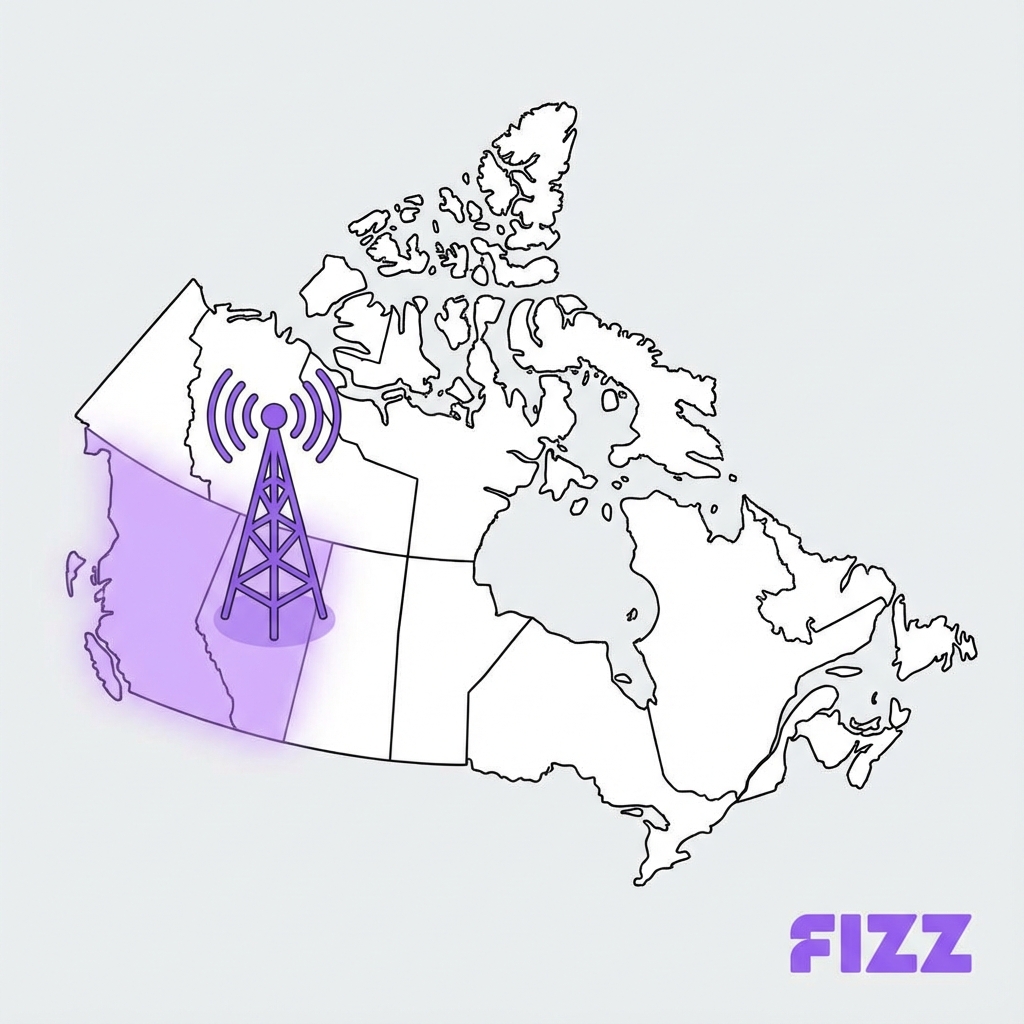
- ✅ Referral code + Beta pricing (Western Canada)
- ✅ Referral code + My Rewards discounts (after signup)
- ✅ Referral code + first-month internet promos
You cannot combine:
- ❌ Multiple referral codes on the same signup
- ❌ Referral code if you’re an existing/returning customer (codes are for NEW customers only)
Once you’ve completed your order? That’s it. No going back. Fizz support won’t add it retroactively—I’ve seen people try. They’ll politely tell you “sorry, can’t do that.”
So here’s the lesson (learned the hard way by others): enter the referral code BEFORE you hit submit. Write it on your hand if you have to. HN9SM. Don’t forget.
How the Referrer Benefits
When you use someone’s referral code, BOTH parties benefit:
| Party | Bonus |
|---|---|
| You (new customer) | Up to $40 credit |
| Referrer (existing customer) | One-time bonus credit (typically $25) |
The referrer gets a one-time credit applied to their account. This is separate from the My Rewards program, which offers recurring monthly discounts through upgrade slots as you level up. Many Fizz users stack both: referral bonuses for quick credits, plus My Rewards for long-term savings.
Tips for Maximizing Your Savings
1. Sign Up During Promo Periods
Fizz occasionally boosts referral bonuses to $40 or more. Black Friday, back-to-school, and holiday periods often have enhanced offers.
2. Get Both Mobile and Internet
If you need both services:
- Apply the referral code to your first order
- Some users get bonuses on both services
3. Stack with My Rewards
After signing up, leverage the My Rewards program:
- Earn points by paying bills and participating in the community
- Unlock recurring discounts ($1-$3/month off)
- Refer YOUR friends to earn your own referral bonuses
4. Stay Past the 2nd Payment
Don’t cancel before your bonus credits. The 2-payment requirement exists specifically so you can’t game the system.
FAQ: Fizz Referral Codes
Is HN9SM a legitimate referral code?
Yes! It’s a real referral code from an active Fizz customer. Using it gets you the standard referral bonus.
Can I use a referral code for Fizz Internet?
Yes. Referral codes work for both mobile and home internet plans.
Can I use a referral code if I add a second plan (e.g., Internet)?
Officially, no—the referral box disappears for existing customers adding a plan to the same account. However, many users create a brand new account (using a different email address) for their second plan. This allows you to enter a referral code again (even referring yourself from your first account), earning the bonus on both accounts.
How do I get my own referral code?
After you sign up for Fizz, you’ll get your own unique referral code in your account dashboard. Share it with friends to earn recurring discounts!
Why is my referral bonus stuck on “Pending”?
This is normal. The bonus remains “Pending” (locked) until the new member has made their second monthly payment. Once that second bill is paid, the status automatically flips to “Active” and the credit will apply to the following month’s bill. You cannot speed this up.
Can I refer family members living at the same address?
Yes. There is no “one per household” limit. You can refer your spouse, children, or roommates. To get the bonus, they must create their own separate Fizz account to sign up. If you just add them as a secondary line on your account, you will not get the referral bonus.
Understanding the Fizz Wallet
When you sign up for Fizz, you’ll hear about the “Wallet.” It’s different from most carriers, so here’s what you need to know:
What is the Fizz Wallet?
The Fizz Wallet is a prepaid balance for pay-as-you-go services:
- US/International roaming data (if not using add-ons)
- Pay-per-use calls and texts (if you don’t have an unlimited plan)
- Overages beyond your plan limits
Fizz wallet vs travel add-on: You can either buy a fixed travel add-on OR use wallet funds directly. The wallet is more flexible for short trips; add-ons are better value for longer stays.
How to Add Funds to Fizz Wallet
- Log into fizz.ca
- Go to My Account → Wallet
- Choose an amount to add ($10, $25, $50, etc.)
- Pay with your saved payment method
Wallet funds don’t expire as long as your account is active.
Fizz Pay Per Use Rates
If you’re on a limited plan or traveling without an add-on:
| Service | Pay-As-You-Go Rate |
|---|---|
| Canada calling (per min) | $0.05-0.10 |
| Canada texting (per SMS) | $0.05 |
| US data (per MB) | $0.05-0.10 |
| International data | Varies by country |
Payment Methods and Troubleshooting
Fizz Payment Methods
Fizz accepts:
- ✅ Visa, Mastercard, Amex credit cards
- ✅ Visa Debit cards
- ✅ Mastercard Debit
- ⚠️ Some prepaid cards (hit or miss)
Fizz Visa Debit Rejected?
If your Fizz Visa Debit gets rejected, try these fixes:
- Ensure sufficient funds - Debit requires actual balance, not credit limit
- Check card type - Some “Visa Debit” cards are actually prepaid and don’t work
- Try a different card - Credit cards have higher success rates
- Contact your bank - They may be blocking online transactions
Fizz Credit Card Payment Failed?
Common causes and fixes:
- Wrong CVV/expiry - Re-enter card details carefully
- Bank blocking transaction - Call bank to authorize
- Card flagged as fraud - Happens with new cards; verify with bank
- Prepaid card limitations - Vanilla prepaid cards often fail on Fizz
Vanilla Prepaid Card Fizz
Unfortunately, most Vanilla prepaid cards don’t work with Fizz. The recurring billing model requires a card that can be charged repeatedly, which prepaid gift cards can’t do.
Workarounds:
- Use a traditional credit/debit card
- Get a reloadable prepaid card (like KOHO or Stack)
- Ask a friend/family to pay and reimburse them
Why Fizz Over Other Carriers?
Besides the referral bonus, here’s why Fizz is worth considering:
- Data Rollover - Unused data carries forward (2 months)
- Data Gifting - Share data with other Fizz users
- My Rewards - Gamified loyalty program with recurring discounts
- No Contracts - Cancel anytime without penalty
- Expanding Coverage - Now available in Quebec, Ottawa, and Beta markets
Ready to Sign Up?
Use referral code HN9SM at fizz.ca to save up to $40 on your first months.
The process takes about 10 minutes, and your SIM ships within days (or activate eSIM instantly on compatible phones).
Related Articles
- Fizz APN Settings Not Working? - Fix mobile data and MMS issues
- Fizz VoLTE Emergency Calls Fix - Device compatibility guide
- Fizz My Rewards Level Up Guide - Maximize your perks after signup
- Fizz vs Public Mobile Comparison - Compare budget carriers
- Fizz Beta Western Canada Coverage - Coverage in BC, AB, MB

About the Author
Sarah Rodriguez is a freelance mobile tech writer dedicated to exploring how providers like Fizz Mobile foster community. She shares insights on affordable connectivity to help bring people closer together.